999V is not on the Google Play Store, so it installs as a direct APK download. That is normal for real-money game apps in Pakistan — Google's policies keep the whole category out of the store, which is why every app of this type distributes the same way. It means one extra Android permission the first time, and one warning screen that looks alarming but is not.
Before You Start
999V targets exactly the hardware most of its audience owns, so the bar is low. Check these five things and the install goes through first time.
| Operating system | Android 5.0 (Lollipop) or newer |
|---|---|
| Free storage | At least 200MB — game assets cache after install |
| RAM | 2GB is comfortable; 1GB works if you close background apps |
| Connection | 3G is enough for slots and cards; 4G or Wi-Fi for live tables |
| Phone number | An active +92 number you control, for the verification code |
| Browser | Chrome or your default browser — not an in-app browser |
Install It Step by Step
Tap the download button. Use the official link on this page. The APK lands in your Downloads folder in a few seconds on 4G.
Allow unknown sources. Android asks once, the first time only. On Android 8 and above the prompt appears by itself — tap Settings, then switch on Allow from this source for your browser. On older versions the switch lives at Settings → Security → Unknown sources.
Open the downloaded file. Pull down the notification shade and tap the finished download, or open Files → Downloads and tap the 999V APK.
Confirm Install. Review the permission list and tap Install. It finishes in well under a minute.
Open the app and register with your +92 number. The registration and login guide covers that part in detail.
The Play Protect Warning
Google Play Protect shows a warning for every app installed from outside the Play Store, whatever the app is. The wording varies — "unsafe app blocked", "this type of file can harm your device", "Play Protect doesn't recognise this developer". Tap More details, then Install anyway.
It is worth being precise about what that warning means, because competing guides tend to either ignore it or pretend it proves something sinister. It is a statement about the distribution channel, not about this specific app. The identical prompt appears for a banking app side-loaded from a company intranet. What actually matters is the source of the file.
Install only from the official 999V link. The real risk in this category is not the app — it is mirror sites that repackage the APK with extra code bundled in. If a downloaded file asks for SMS reading or accessibility permissions during install, cancel and delete it.
First Launch and Opening Rewards
Register first, then go straight to the Promo tab before you open any game. Three things are waiting there and two of them expire:
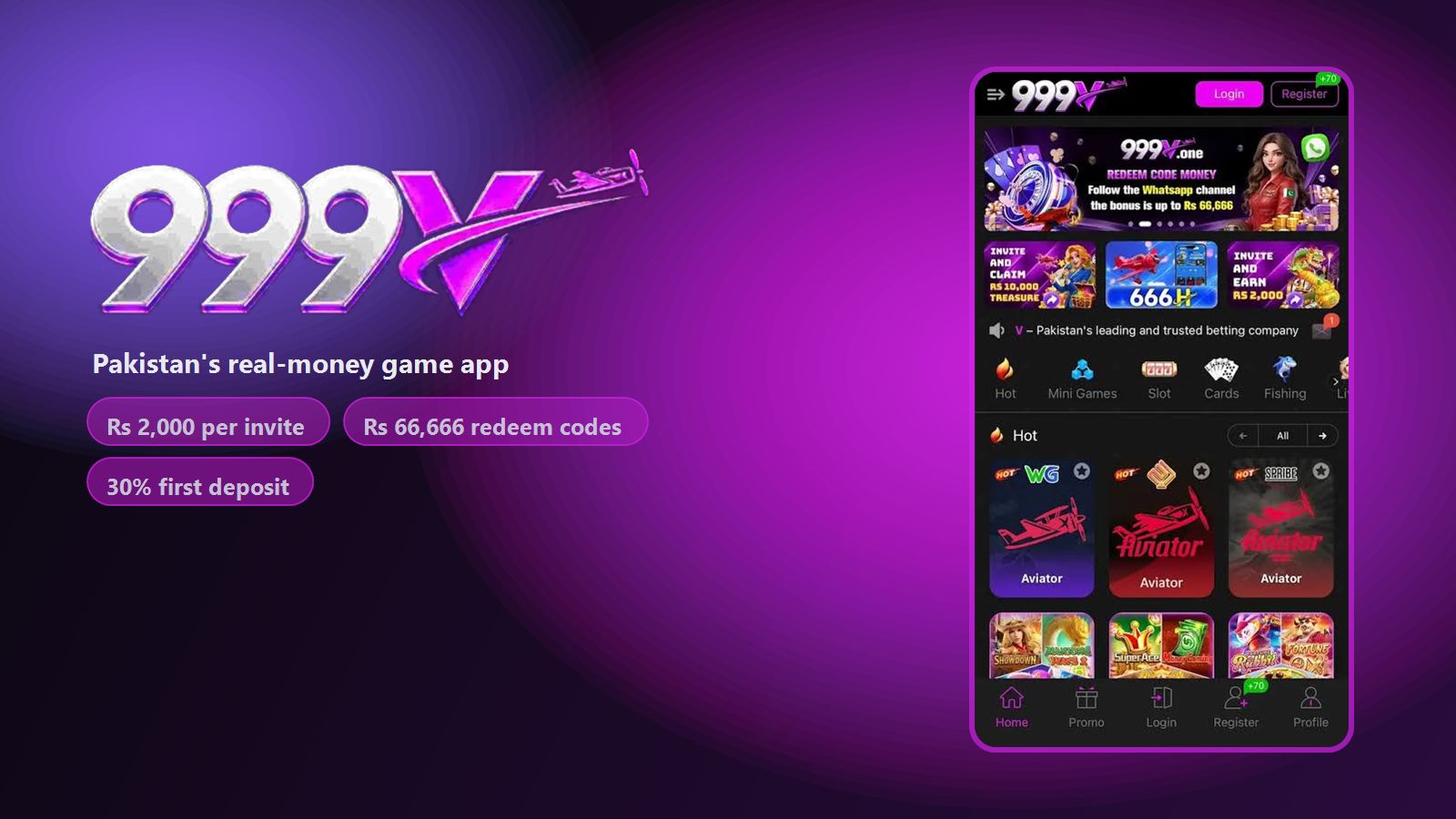
- The registration reward, shown in-app as a +70 badge.
- The Daily Share spin, worth up to Rs 300 — it resets every 24 hours and does not bank up.
- Any active redeem code from the official channel, worth up to Rs 66,666 at the advertised ceiling.
Check the Undaimed tab too. Rewards that have been granted but not collected sit there, and they are easy to miss behind the main event list. The bonus guide covers every track and what it realistically pays.
Updating the App
Because 999V sits outside the Play Store, it manages its own updates. When a new build ships, an update prompt appears the next time you open the app — tap it, let the new APK download and install over the top.
You do not need to uninstall first, and you lose nothing by updating. Your account, balance, referral history and VIP progress live on the operator's servers, not on the handset. Even a full reinstall on a new phone restores everything once you log in with the same number.
When the Install Fails
"App not installed"
Nearly always one of three things: an older 999V build is still on the phone, the download was cut short, or storage is full. Uninstall any existing copy, free up at least 200MB, download again and retry.
"There was a problem parsing the package"
The file is incomplete or corrupt, usually from a dropped connection mid-download. Delete the partial file from Downloads and download again, ideally on Wi-Fi.
The download button does nothing
In-app browsers inside WhatsApp, Facebook, Instagram and TikTok block APK downloads. Tap the three-dot menu and choose Open in browser, then download from Chrome directly. This is the single most common reason a download appears to fail.
The app installs but will not open
Clear the cache at Settings → Apps → 999V → Storage → Clear cache, then reopen. If it still fails, reinstall the current APK. On phones with under 1GB of free RAM, close background apps before launching.
Install is blocked entirely on a work phone
Managed devices often disable unknown-source installs at policy level, and no setting on the handset will override it. Use a personal phone.
999V on iPhone
There is no native iOS app, and there is unlikely to be one — Apple's App Store rules exclude this category in this market just as Google's do. iPhone users open the 999V web version in Safari, tap the share icon and choose Add to Home Screen. That creates an icon which launches full-screen and behaves much like the Android app. Gameplay, deposits and withdrawals all work; push notifications do not.
Where the Real Risk Is
Installing the APK is the part people worry about, and it is the part that matters least. The download is straightforward and the Play Protect warning is routine.
The risk that deserves your attention is financial. 999V is a real-money app with a permanent house edge, and the advertised bonus figures are ceilings rather than typical outcomes. Before you deposit anything, read how bonus wagering works, because that mechanic explains almost every "this app won't pay me" complaint you will read about any platform in this category.
Get the 999V APK
Free download for Android, registration in about a minute, and the Promo tab rewards are claimable before you deposit anything.
Download FAQs
Why is 999V not on the Google Play Store?
Google Play policy excludes real-money gaming apps in this market, so 999V is distributed as a direct APK instead. Every competing app in this category is distributed the same way.
Is it safe to allow "unknown sources"?
The setting simply lets your browser install an app. It is safe when the file comes from the official link and risky when it comes from a random mirror. You can switch it back off after installing.
How do I update the 999V APK?
An in-app prompt appears when a new build is available. Install it over the existing app — your account, balance and referral history are held server-side and are unaffected.
The install says "app not installed". What now?
Uninstall any older 999V version, free at least 200MB of storage, download the APK again and retry. An incomplete download is the other common cause.
Why won't the download start from WhatsApp?
In-app browsers block APK downloads. Open the link in Chrome using the three-dot menu, then download from there.
Is there a 999V app for iPhone?
No native iOS app exists. Open the web version in Safari and use Add to Home Screen for an app-like experience.
Responsible play notice. 999V involves real money and uncertain outcomes. Install only from the official link, never play with money you cannot afford to lose, and stop at the budget you set before starting. See our editorial standards for how this guide was tested.